
4
If you are experiencing Fynexnero.co.in pop-up ads, your device has likely been subscribed to malicious browser notifications. These intrusive ads can appear on Android phones, iPhones, Windows PCs, or Macs — even when your browser is closed.
This comprehensive guide explains what Fynexnero.co.in is, how it infects devices, how to remove it completely, and how to prevent similar notification scams in the future.
What Is Fynexnero.co.in?
Fynexnero.co.in is a deceptive website that abuses browser push notifications to deliver spam advertisements and scam messages. It is not a legitimate service or trusted platform.
Once you click “Allow” on its notification request, the site gains permission to send messages directly to your device, including:
- Fake virus alerts
- Adult content ads
- Gambling promotions
- Cryptocurrency scams
- Fraudulent giveaways
- Links to phishing websites
These notifications are designed to generate revenue for scammers and may expose users to malware or identity theft.
How the Fynexnero.co.in Scam Works
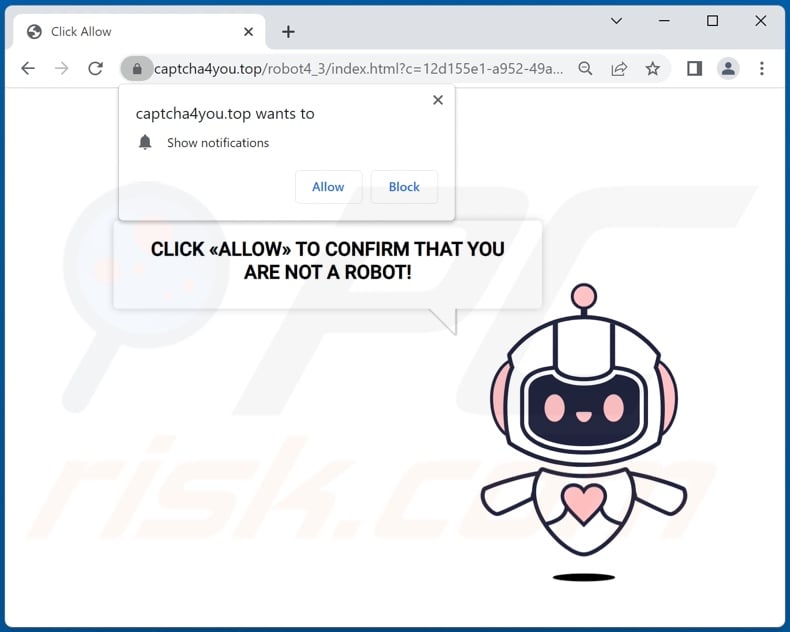
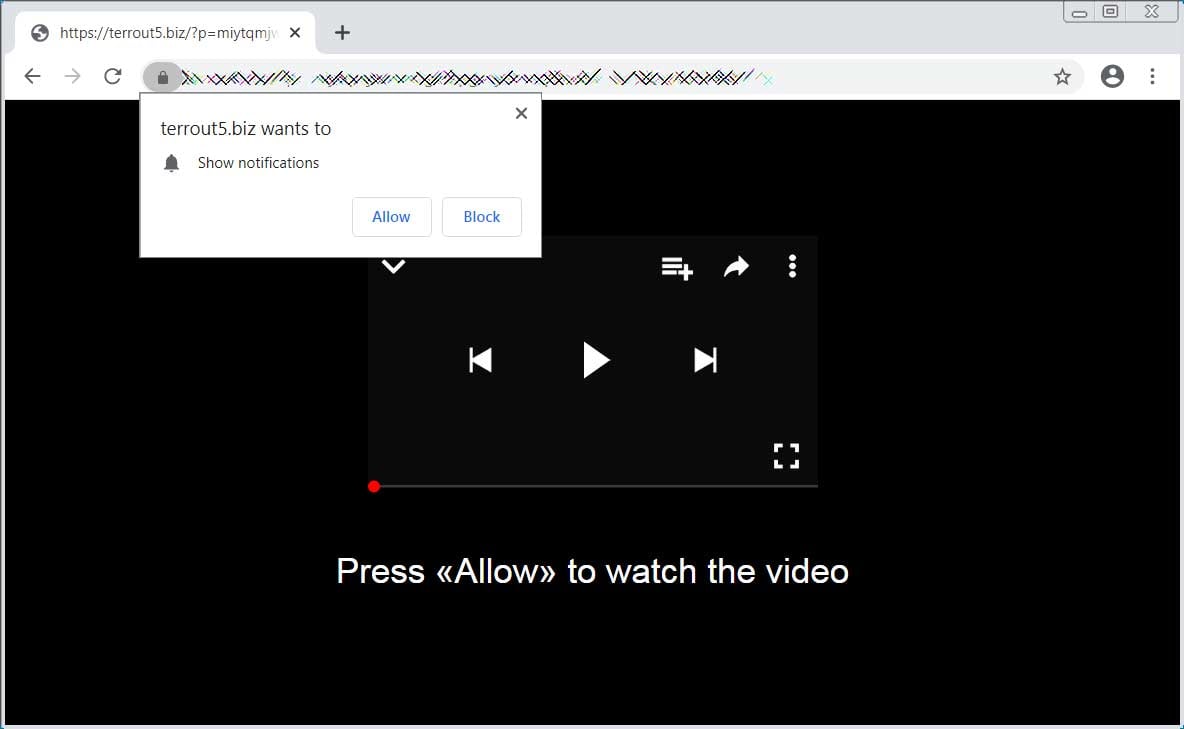
The scam relies on social engineering. When you visit the page, it shows fake instructions such as:
- Click Allow to verify you are not a robot
- Press Allow to watch the video
- Your download is ready
- Enable notifications to continue
These prompts imitate legitimate CAPTCHA checks or video players. In reality, clicking Allow subscribes you to notification spam.
Why You Are Seeing Fynexnero.co.in Ads
You Granted Notification Permission
This is the primary cause. Once allowed, notifications can be delivered at any time through your browser.
Helpful official guides:
- Manage Chrome notifications: https://support.google.com/chrome/answer/3220216
- Control Firefox notifications: https://support.mozilla.org/en-US/kb/push-notifications-firefox
- Manage Safari notifications: https://support.apple.com/guide/safari/customize-website-notifications-sfri40734/mac
Redirects From Unsafe Websites
You may have encountered the site after visiting:
- Pirated streaming platforms
- Torrent websites
- Free software download pages
- Adult content sites
- Misleading ads or pop-ups
Adware or Malicious Extensions
Unwanted software installed on your device can also force redirects to scam pages.
Are Fynexnero.co.in Pop-Ups Dangerous?
Yes. These ads may lead to:
- Phishing attacks that steal passwords
- Malware infections
- Financial scams
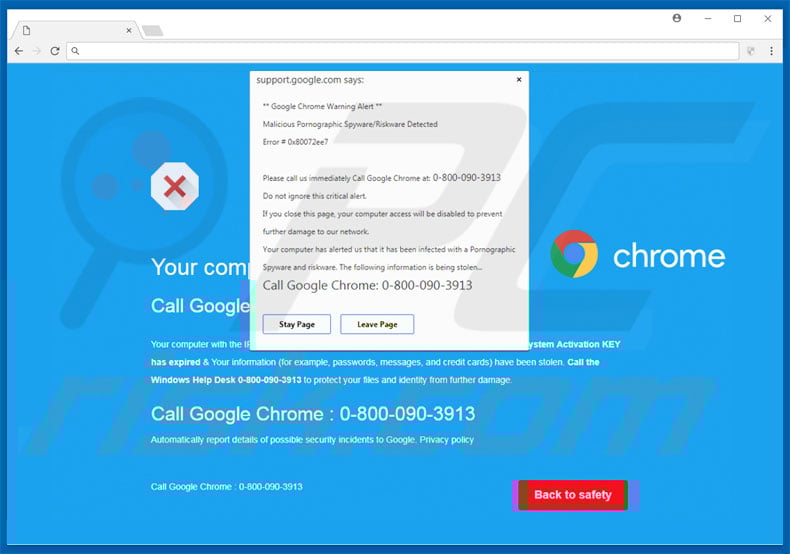
- Tech support fraud
- Identity theft
For more information on online safety, see:
- Stay safe from scams: https://consumer.ftc.gov/scams
- Google Safe Browsing overview: https://safebrowsing.google.com
How to Remove Fynexnero.co.in Pop-Up Ads
Step 1: Remove Notification Permissions
Google Chrome (Windows, Mac, Android)
- Open Chrome
- Go to Settings → Privacy and Security
- Click Site Settings → Notifications
- Find Fynexnero.co.in
- Select Block or Remove
Mozilla Firefox
- Open Settings
- Go to Privacy and Security
- Scroll to Permissions
- Click Notifications → Settings
- Remove the suspicious site
Microsoft Edge
- Settings → Cookies and Site Permissions
- Notifications
- Block the site
Android Phones
Settings → Apps → Your browser → Notifications → Disable suspicious permissions
iPhone (Safari)
Settings → Safari → Notifications → Disable unknown sites
Step 2: Scan for Malware or Adware
Use reputable security tools:
Running a full scan can detect hidden adware causing redirects.
Step 3: Reset Your Browser (If Needed)
If pop-ups continue:
Chrome reset guide: https://support.google.com/chrome/answer/3296214
Resetting removes harmful extensions and restores default settings.
How to Prevent Notification Spam Scams
To protect your device long-term:
- Never click Allow on unfamiliar websites
- Only enable notifications for trusted platforms
- Avoid pirated content websites
- Install a reputable ad blocker
- Keep your browser updated
- Download apps only from official stores
You can also test suspicious links using:
Signs of a Notification Scam Website
Watch for these red flags:
- Urgent instructions to click Allow
- Fake CAPTCHA verification screens
- Promises of free downloads or prizes
- Poor grammar or suspicious domain names
- Immediate redirects
Legitimate websites do not require notification permission to play videos or verify identity.
Final Verdict
Fynexnero.co.in pop-up ads are part of a widespread browser notification scam targeting unsuspecting users. While the ads are annoying, the bigger risk lies in the malicious links they promote.
Removing notification permissions, scanning for adware, and practicing safe browsing habits will eliminate the problem and prevent future infections.
If you want, tell me:
- Your device (Android, iPhone, Windows, or Mac)
- Your browser (Chrome, Safari, Firefox, Edge, Opera)
